
-
First, create a ECR repo: Ex: “bhcatalogapi”
-
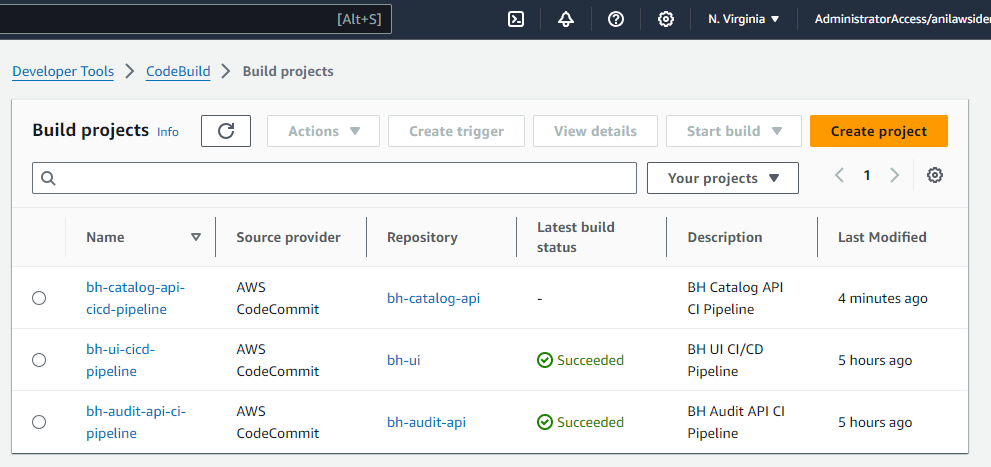
Go to AWS Code Build and Click on Create a Build Project
-
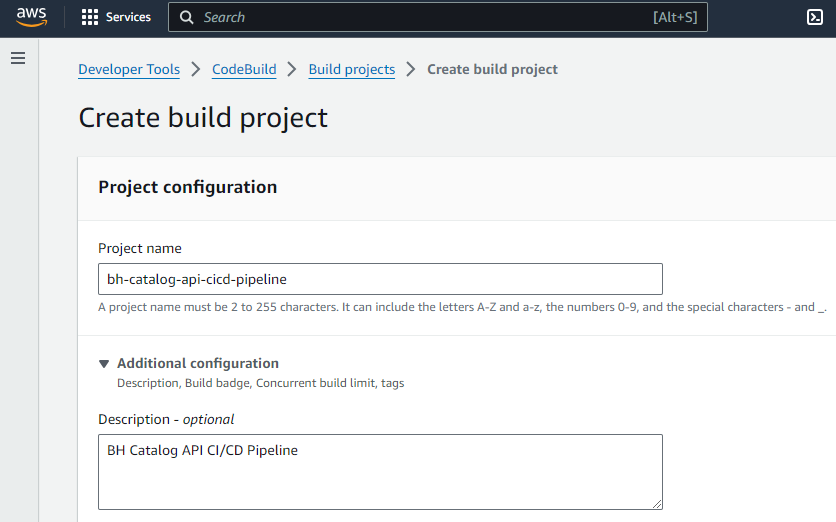
Enter the Project Name, EX: bh-catalog-api-cicd-pipeline and the Description as “BH Catalog API CI/CD Pipeline”
-
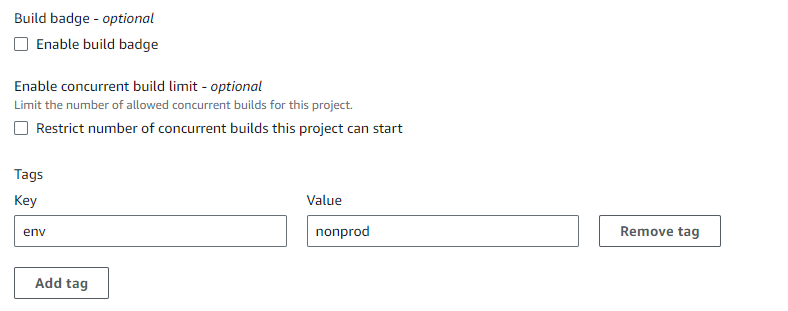
Update the ENV variables as needed
-
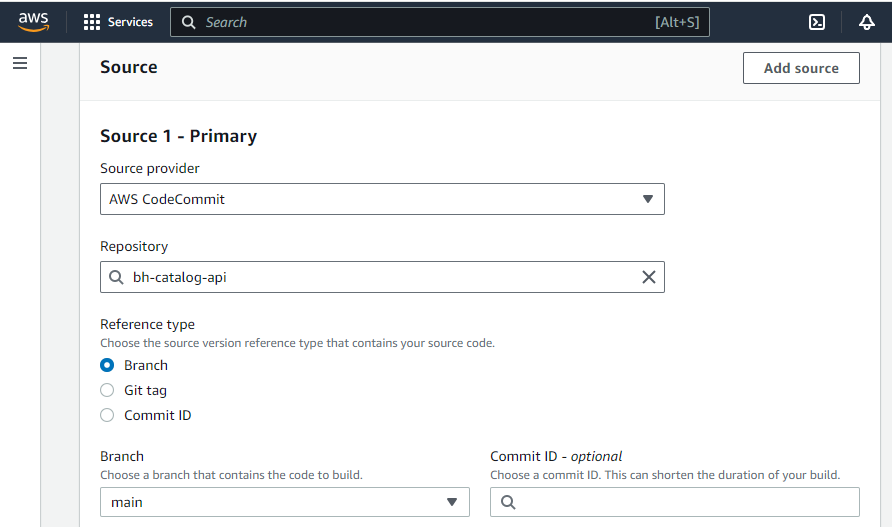
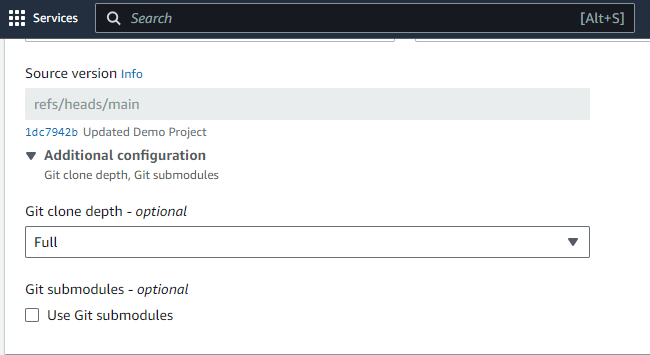
From the Source choose, “AWS Codecommit”, Repository, you can choose, Ex: bh-catalog-api, Reference Type, you can choose, “Branch” and from the Git Clone Depth, you can choose, “Full”
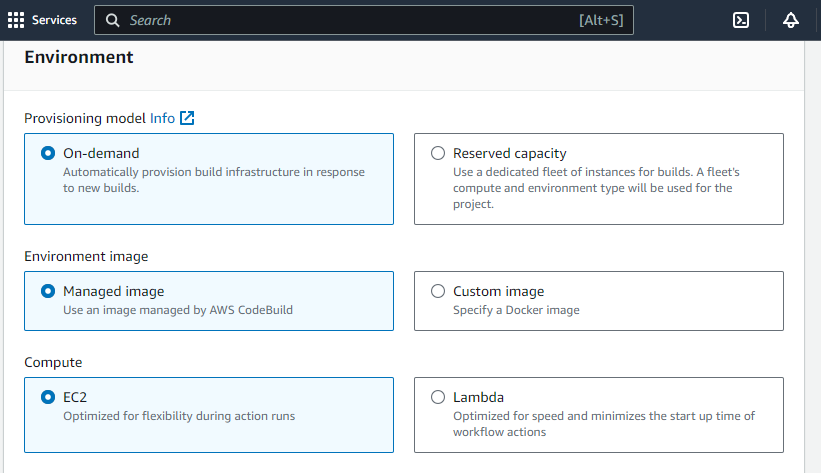
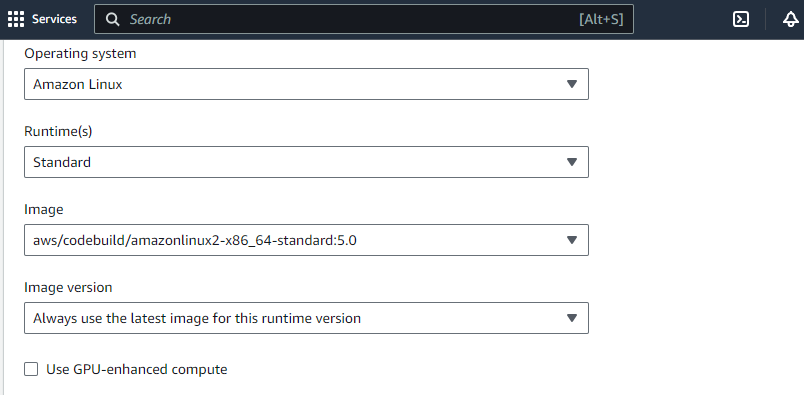
- Keep the Environment section is defaults
-
Keep the Additional configuration as defaults
-
In the Buildspec section, enter the path of the code pipeline yaml