Orchestration Workflows Pipeline
Use the Orchestration Workflows page to design, schedule, and manage multi-stage pipelines that coordinate dependencies, retries, and conditional logic.
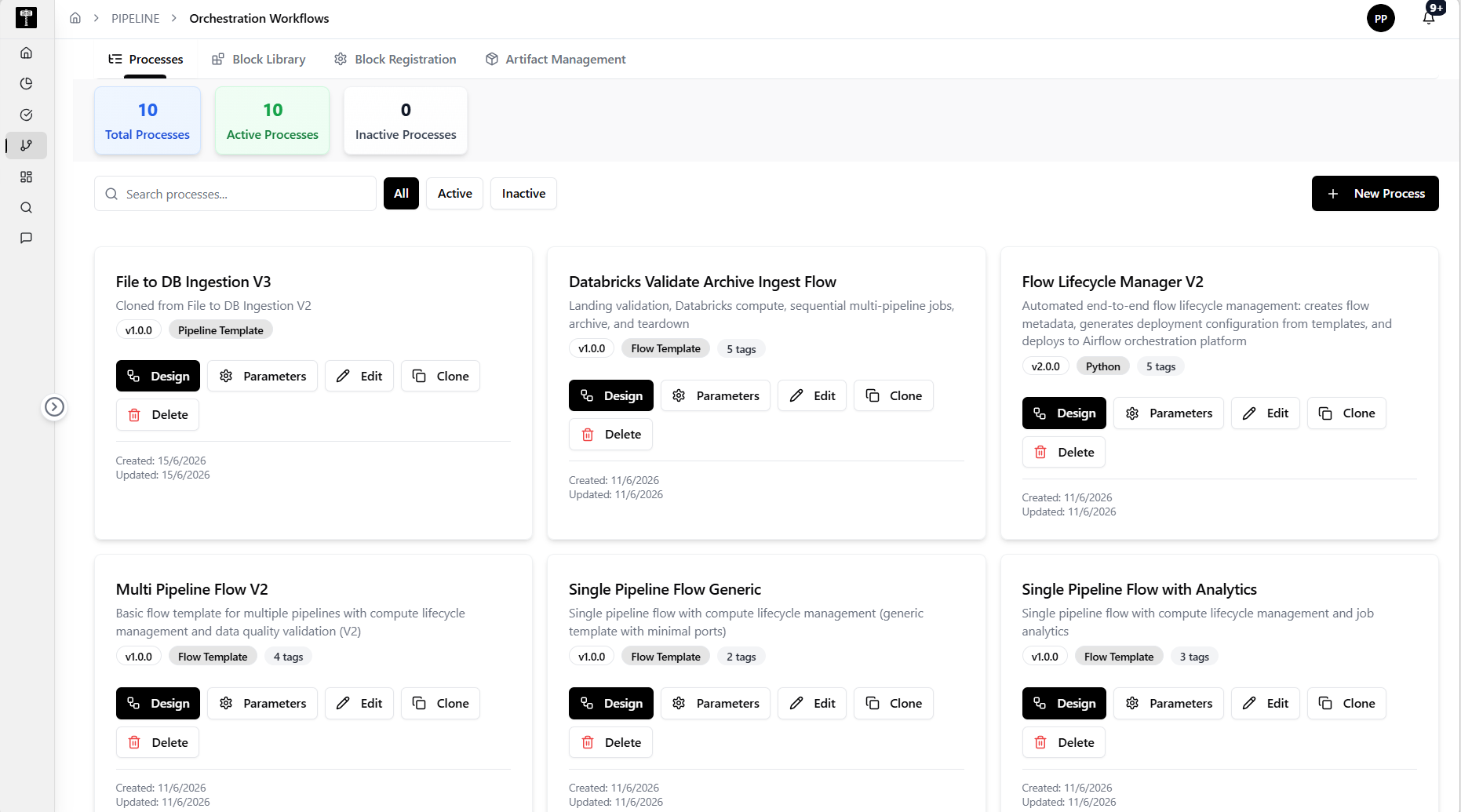
Review orchestrated workflows
Browse the list of orchestration definitions, including schedule, status, and dependency graph. Identify workflows that need adjustment or remediation.
Design a new workflow
Use the Create action to build a new orchestration. Define tasks, set dependencies, configure retry policies, and schedule execution. Validate the DAG before saving.
Monitor execution
Review run instances, task durations, success rates, and failure logs. Use the execution graph to pinpoint which stage failed and why.
Typical path
| Step | Action | Location |
|---|---|---|
| 1 | Open Pipeline | Main sidebar |
| 2 | Select Orchestration Workflows | Pipeline navigation |
| 3 | Review existing workflows | Workflow list |
| 4 | Create or edit an orchestration | Workflow designer |
| 5 | Schedule and monitor execution | Run history |
What happens next
Orchestrated workflows execute pipelines in the correct order, handle failures gracefully, and provide observability into multi-stage data operations.
Related pages
- Data Pipeline — define the pipeline tasks orchestrated by this workflow
- Pipeline Dashboard — review high-level orchestration health