Knowledge Base Pipeline
Use the Knowledge Base to store and reuse pipeline components, templates, best practices, and organisational knowledge that speed up pipeline development.
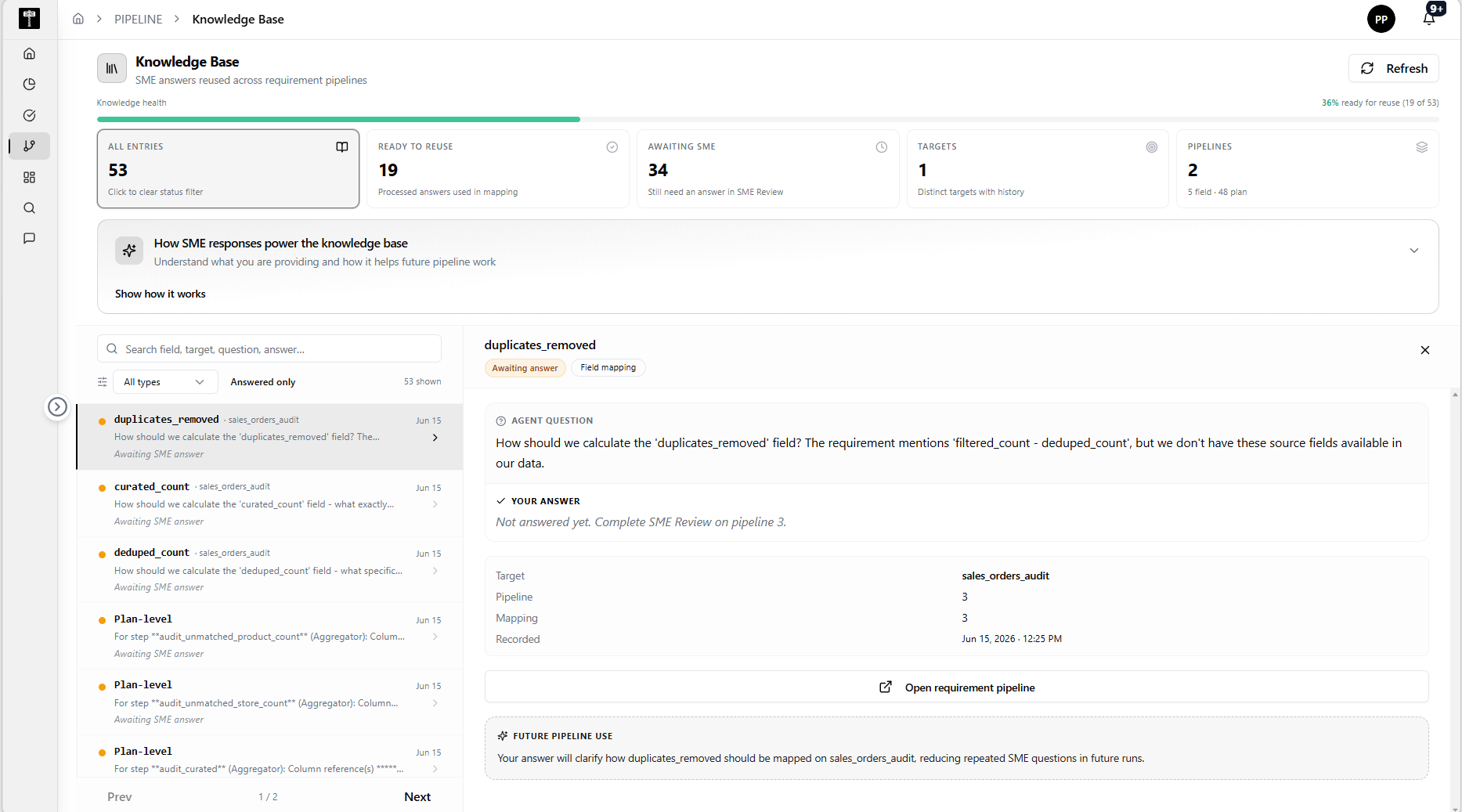
Browse reusable components
Review the library of shared components, templates, and documentation. Search or filter by category, type, or project to find what you need.
Add or update knowledge
Use Create to add a new component or template. Use Edit to update existing entries with new parameters, documentation, or examples.
Share across teams
Confirm that components are published to the correct project or team scope. Shared knowledge reduces duplication and ensures consistency across pipelines.
Typical path
| Step | Action | Location |
|---|---|---|
| 1 | Open Pipeline | Main sidebar |
| 2 | Select Knowledge Base | Pipeline navigation |
| 3 | Search or browse components | Knowledge Base list |
| 4 | Create or update an entry | Component form |
| 5 | Publish and share with the team | Sharing actions |
What happens next
Knowledge Base entries can be referenced when building new Data Pipelines or Data Flows, reducing development time and improving consistency.
Related pages
- Data Pipeline — use Knowledge Base components in pipeline design
- Data Flow — apply reusable flow patterns from the Knowledge Base