Ingestion Pipeline
The Ingestion list page shows all ingestion pipelines in the project. Review status, search for a pipeline, or start creating a new one.
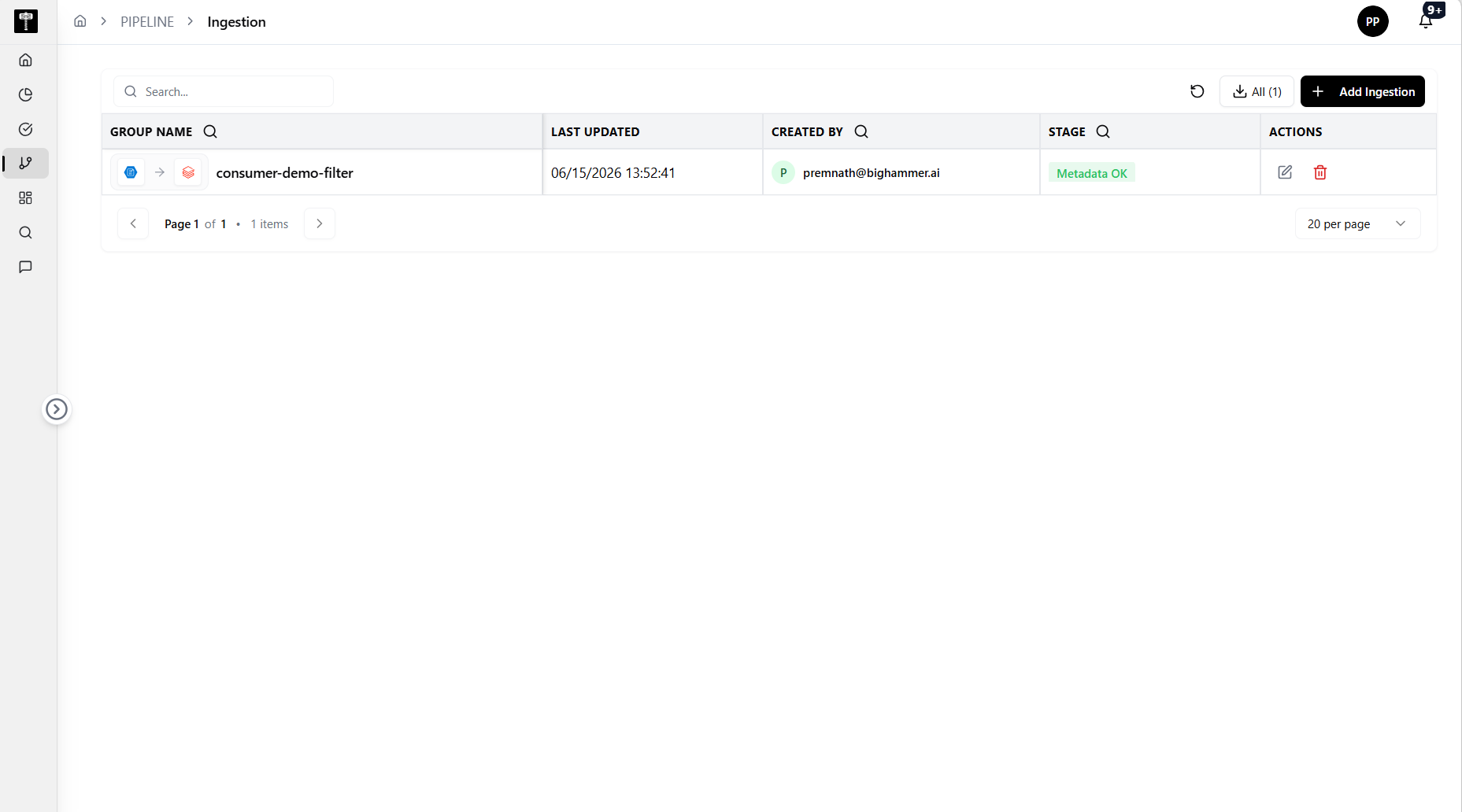
Review the ingestion list
Each row represents an ingestion pipeline with the following columns:
| Column | Description |
|---|---|
| Group Name | The name of the ingestion pipeline. |
| Last Updated | The date and time the pipeline was last modified. |
| Created By | The user who created the pipeline. |
| Stage | The current processing stage, such as Metadata OK. |
| Actions | Edit or delete the ingestion pipeline. |
Search and paginate
Use the Search box to find a pipeline by name. Use the pagination controls to navigate pages and adjust how many items are shown per page.
Add a new ingestion
Select Add Ingestion to start the guided creation flow.
:::info Before you begin Ensure the correct connections, compute resources, and data sources are imported and configured in the environment. :::
Select Next to begin the guided tour for creating an ingestion pipeline.