Data Flow Pipeline
Use the Data Flow page to design and inspect how data moves from source systems through transformations to downstream consumers.
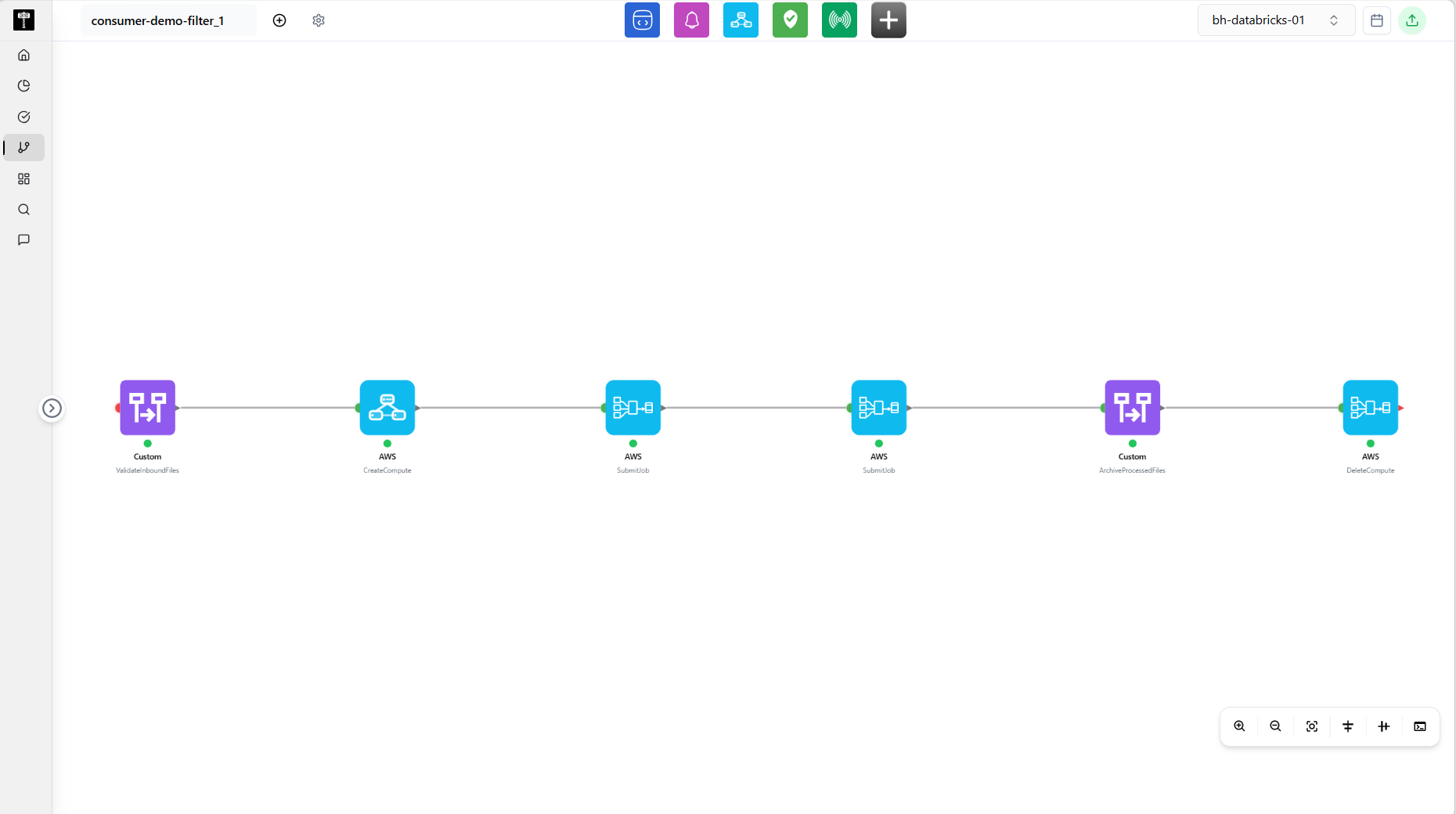
Explore the flow graph
Review the visual graph of nodes and edges representing sources, transformations, and destinations. Confirm that each step is connected as expected.
Configure flow steps
Select a node to configure its properties, such as source table, transformation logic, or destination schema. Validate that inputs and outputs align across the flow.
Validate the data flow
Use the validation action to check for missing connections, type mismatches, or unreachable nodes. Fix issues before saving or executing the flow.
Typical path
| Step | Action | Location |
|---|---|---|
| 1 | Open Pipeline | Main sidebar |
| 2 | Select Data Flow | Pipeline navigation |
| 3 | Review the flow graph | Visual canvas |
| 4 | Configure or add flow steps | Node editor |
| 5 | Validate and save the flow | Flow actions |
What happens next
A validated data flow can be bound to a pipeline definition and scheduled for execution through the Orchestration Workflows.
Related pages
- Data Pipeline — define the pipeline that uses this data flow
- Ingestion — configure source ingestion for flow inputs