Glossary Data Governance
Use the Glossary page to manage business glossary entries that define shared vocabulary for governed data assets.
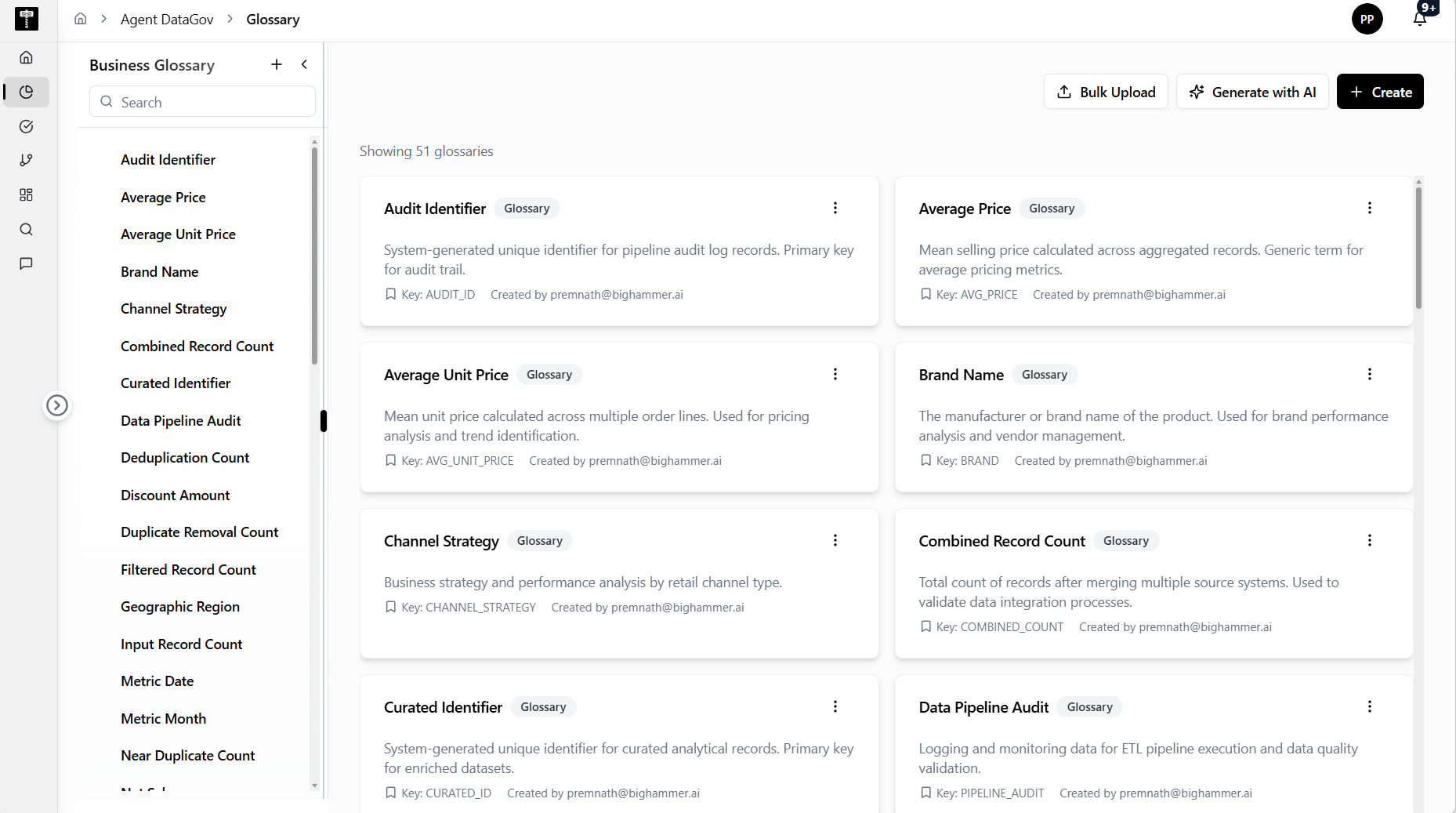
Review glossary entries
The left panel is labeled Business Glossary and provides search for existing glossary entries. In the captured environment, the page shows No glossaries available and Showing 0 glossaries.
Create glossary entries
Use Create to add a glossary entry manually. Use the plus action in the left panel when working from the glossary list.
Bulk upload or generate with AI
Use Bulk Upload when glossary entries are prepared outside the application. Use Generate with AI when you want AI assistance to draft glossary content.
Typical path
| Step | Action | Location |
|---|---|---|
| 1 | Open DATA GOV | Main sidebar |
| 2 | Select Glossary | Data Gov navigation |
| 3 | Search existing glossary entries | Business Glossary panel |
| 4 | Create, bulk upload, or generate entries with AI | Top-right actions |
| 5 | Review the glossary count and resulting entries | Main glossary workspace |
What happens next
Glossary entries provide business context for catalog assets and help governance users standardize terminology across teams.