Domain Data Governance
Use the Domain page to organize governance work around business domains and prepare domain structures for ownership and accountability.
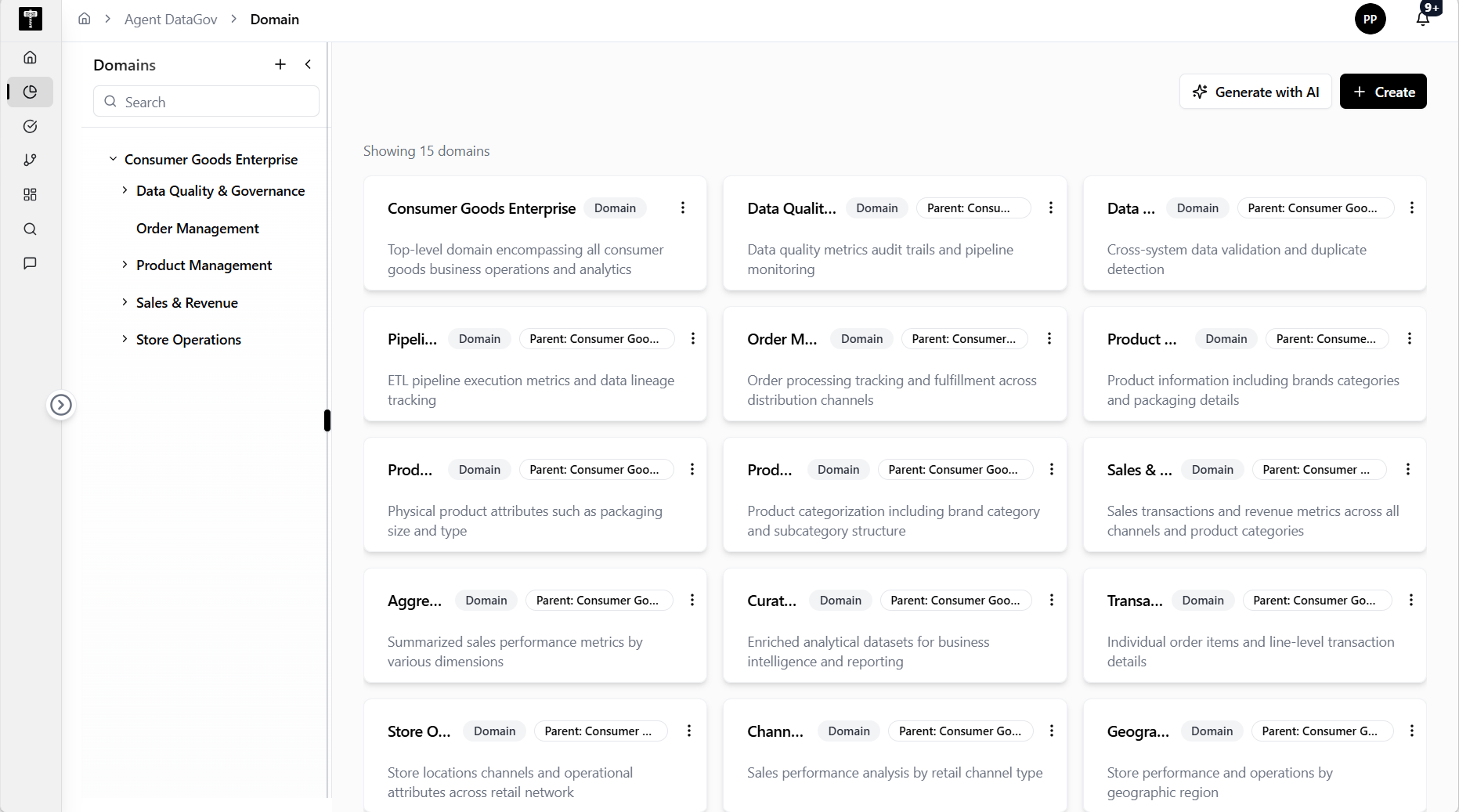
Review available domains
The left panel lists available domains and includes a search box. In the captured environment, the page shows No domains available and the main content confirms Showing 0 domains.
Create domains
Use Create to add a domain manually. Use the plus action in the domain panel when working from the domain list.
Generate domains with AI
Use Generate with AI to start an AI-assisted domain creation workflow. This is useful when governance teams want help drafting domain structures instead of creating them one at a time.
Typical path
| Step | Action | Location |
|---|---|---|
| 1 | Open DATA GOV | Main sidebar |
| 2 | Select Domain | Data Gov navigation |
| 3 | Search for an existing domain | Left domain panel |
| 4 | Create manually or generate with AI | Top-right actions |
| 5 | Review the resulting domain list | Main domain workspace |
What happens next
Created domains can support catalog organization, glossary scoping, governance reporting, and accountability workflows.