Scheduled Jobs Admin only
Use the Scheduled Jobs page to manage automated tasks and recurring platform workflows. Scheduled jobs help administrators automate regular operations and inspect job timing, status, and configuration.
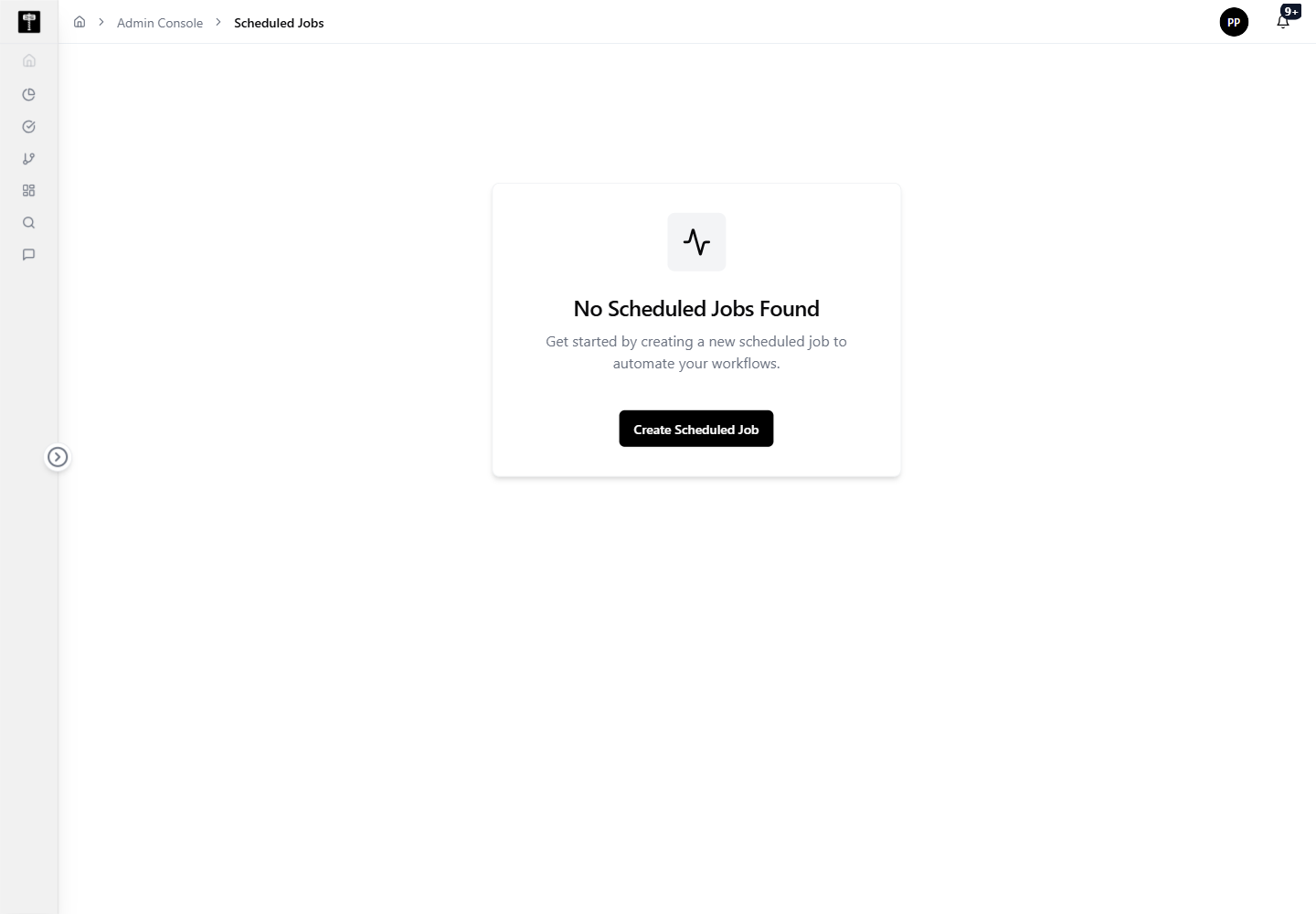
Review job status
Use the list view to check which jobs exist, whether they are active, and whether any require configuration review or remediation.
Create or update a schedule
Create a new scheduled job or edit an existing one when workflow timing, parameters, or operational details need to change. Confirm the schedule and all configuration before activating.
Typical path
| Step | Action | Location |
|---|---|---|
| 1 | Open Admin Console | Main sidebar |
| 2 | Select Scheduled Jobs | Admin card grid |
| 3 | Review job list and status | Scheduled Jobs page |
| 4 | Add, edit, or inspect a job | Job form / Job detail |
| 5 | Confirm schedule and workflow configuration | Scheduled Jobs page |
What happens next
The scheduled workflow runs according to its configured timing. Job execution history and status remain visible in the Scheduled Jobs area for operational review.
Related pages
- Compute — confirm processing resources are available for scheduled execution tasks
- Notifications — configure alerts for job events and execution failures