Role Permission Admin only
Use the Role Permission page to manage role-based access control across BigHammer. Role permissions define what each role can access and perform inside the platform, ensuring access stays intentional and auditable.
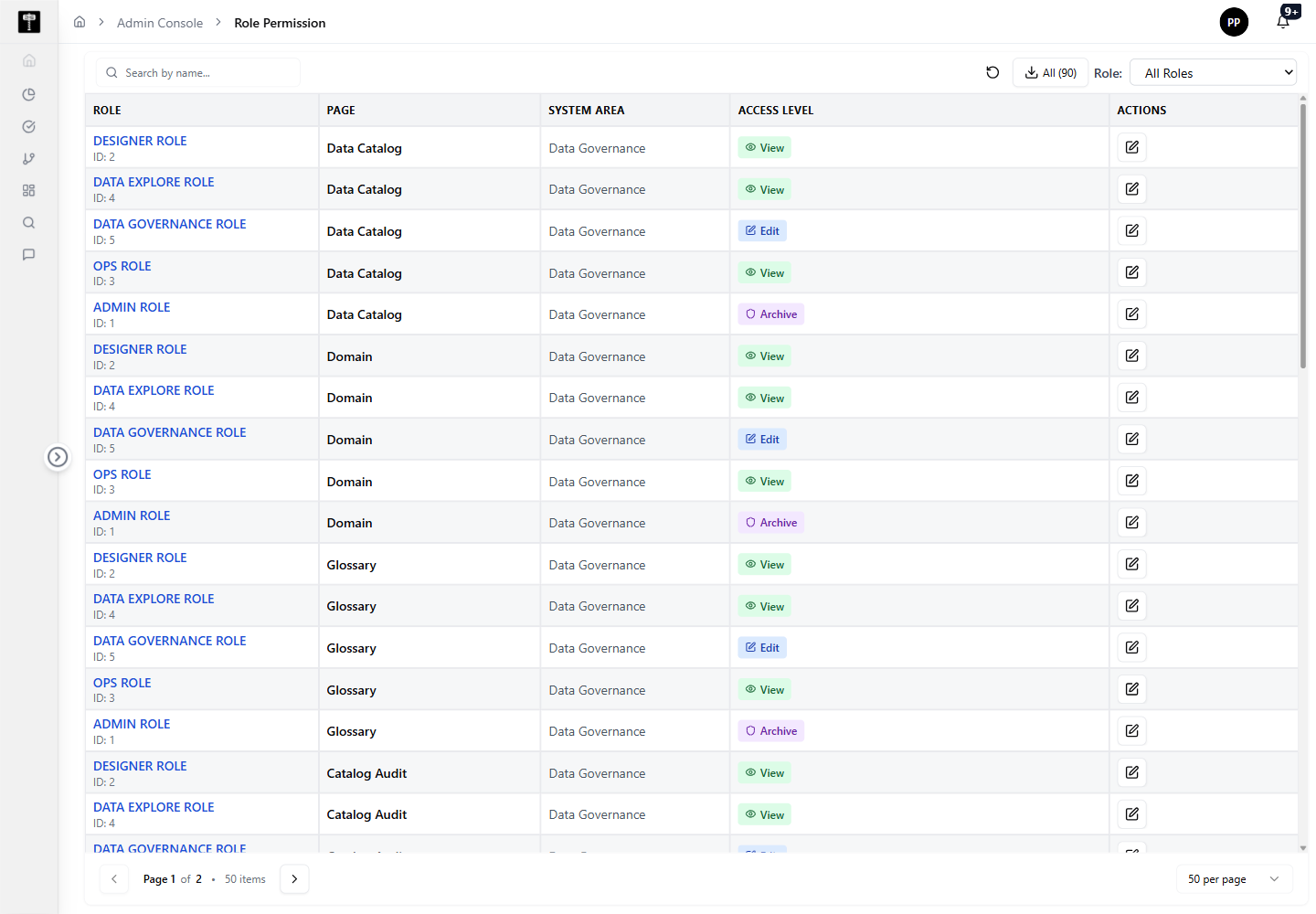
Review permission coverage
Review role mappings before making changes. Access updates should be intentional and auditable — confirm the full impact of a permission change before saving.
Update role access
Adjust permissions when a role needs access to new platform capabilities or when governance policy changes require access to be narrowed or expanded.
Typical path
| Step | Action | Location |
|---|---|---|
| 1 | Open Admin Console | Main sidebar |
| 2 | Select Role Permission | Admin card grid |
| 3 | Review role and permission mappings | Role Permission page |
| 4 | Update permissions as required | Permission editor |
| 5 | Confirm updated access control behavior | Role Permission page |
What happens next
Updated role permissions immediately control what users assigned to those roles can access and perform across the platform.