Projects Admin only
Use the Projects page to create and maintain BigHammer project workspaces and repository-backed assets. Projects organise work across teams, repositories, and platform workflows.
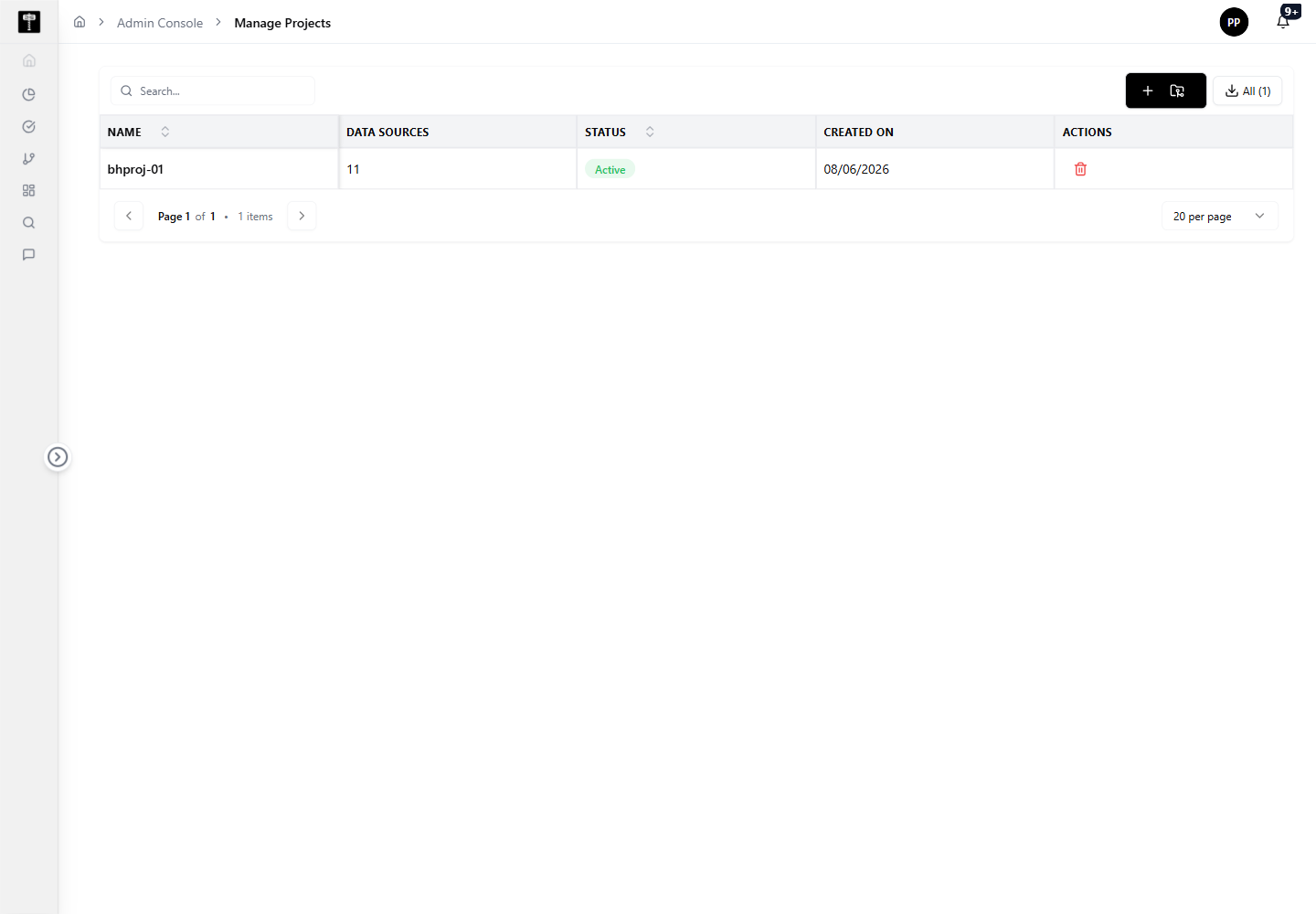
Review project details
Start by reviewing existing projects to understand naming conventions, repository relationships, and current configuration before creating duplicates or making changes.
Create or update a project
Use the project actions to add a new workspace or edit an existing one. Confirm repository information and ownership before saving changes.
Typical path
| Step | Action | Location |
|---|---|---|
| 1 | Open Admin Console | Main sidebar |
| 2 | Select Projects | Admin card grid |
| 3 | Review existing projects | Projects page |
| 4 | Create or edit a project | Project form |
| 5 | Confirm repository and ownership settings | Project detail |
What happens next
The project becomes available to BigHammer workflows that depend on project-level organisation, including pipelines, datasets, and execution environments.
Related pages
- Environments — assign runtime targets to the projects you manage
- Users — manage which users have access to project workspaces
- Connections — configure the data connections available within projects