Platform Chat Admin only
Use the Platform Chat action to create or backfill the embeddings that power AI-assisted chat and retrieval experiences across BigHammer. Without current embeddings, the platform chat experience cannot retrieve and reason over relevant platform information.
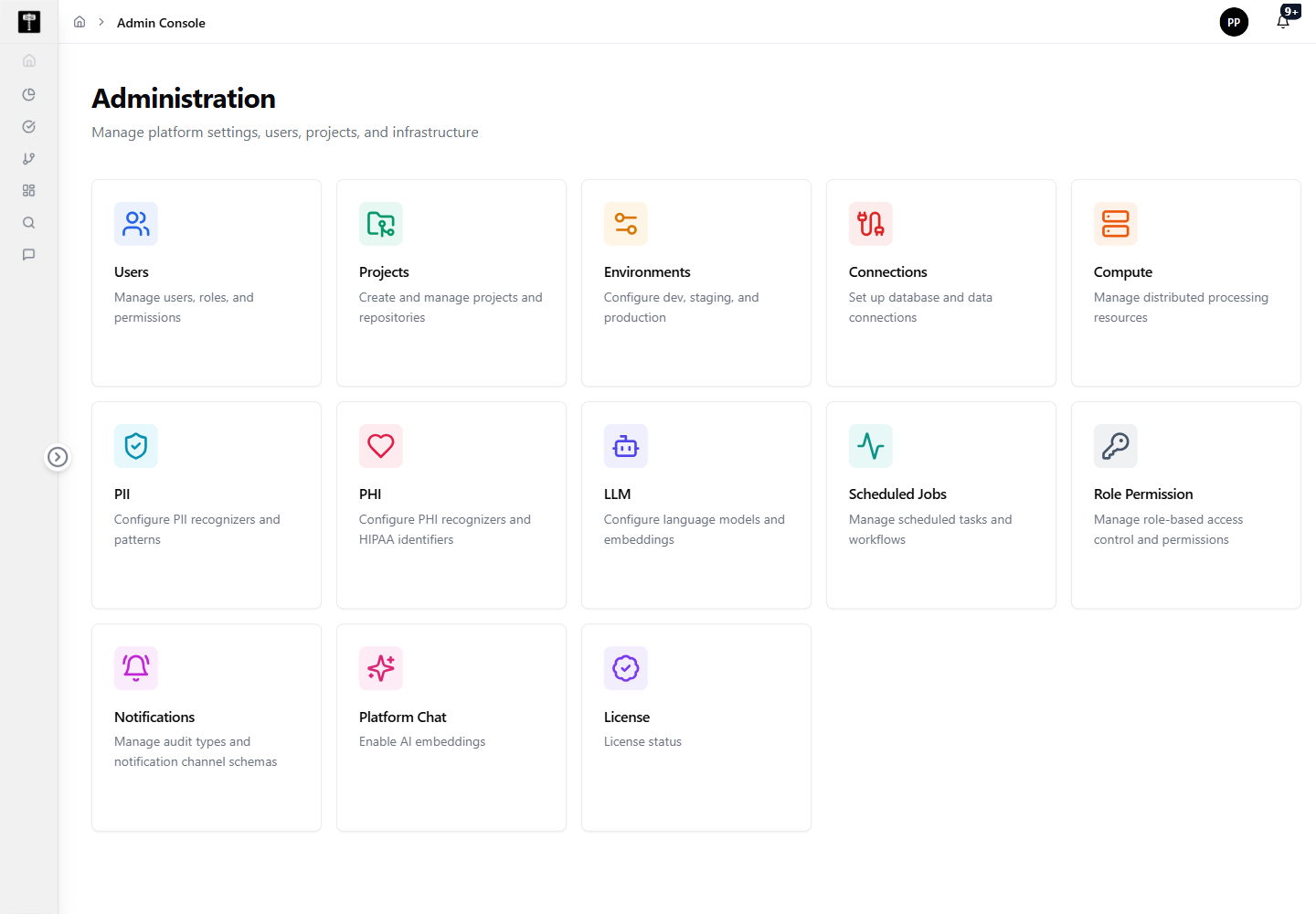
Open the Platform Chat action
The Platform Chat card is available from the Admin Console overview. Selecting it opens the embedding action workflow directly.
Run embedding operations
Use the available action to create embeddings or backfill query embeddings. Wait for the operation response to confirm completion before closing the workflow or navigating away.
Typical path
| Step | Action | Location |
|---|---|---|
| 1 | Open Admin Console | Main sidebar |
| 2 | Select Platform Chat | Admin card grid |
| 3 | Review available embedding actions | Platform Chat workflow |
| 4 | Create embeddings or backfill query embeddings | Embedding action |
| 5 | Wait for and confirm the operation response | Platform Chat workflow |
What happens next
Created embeddings become available to AI-assisted platform chat workflows, enabling indexed retrieval and contextual responses for users.