Admin Overview Admin only
The Admin Console is the control centre for platform operations. Each card represents a focused administration workflow — from access management to AI model configuration.
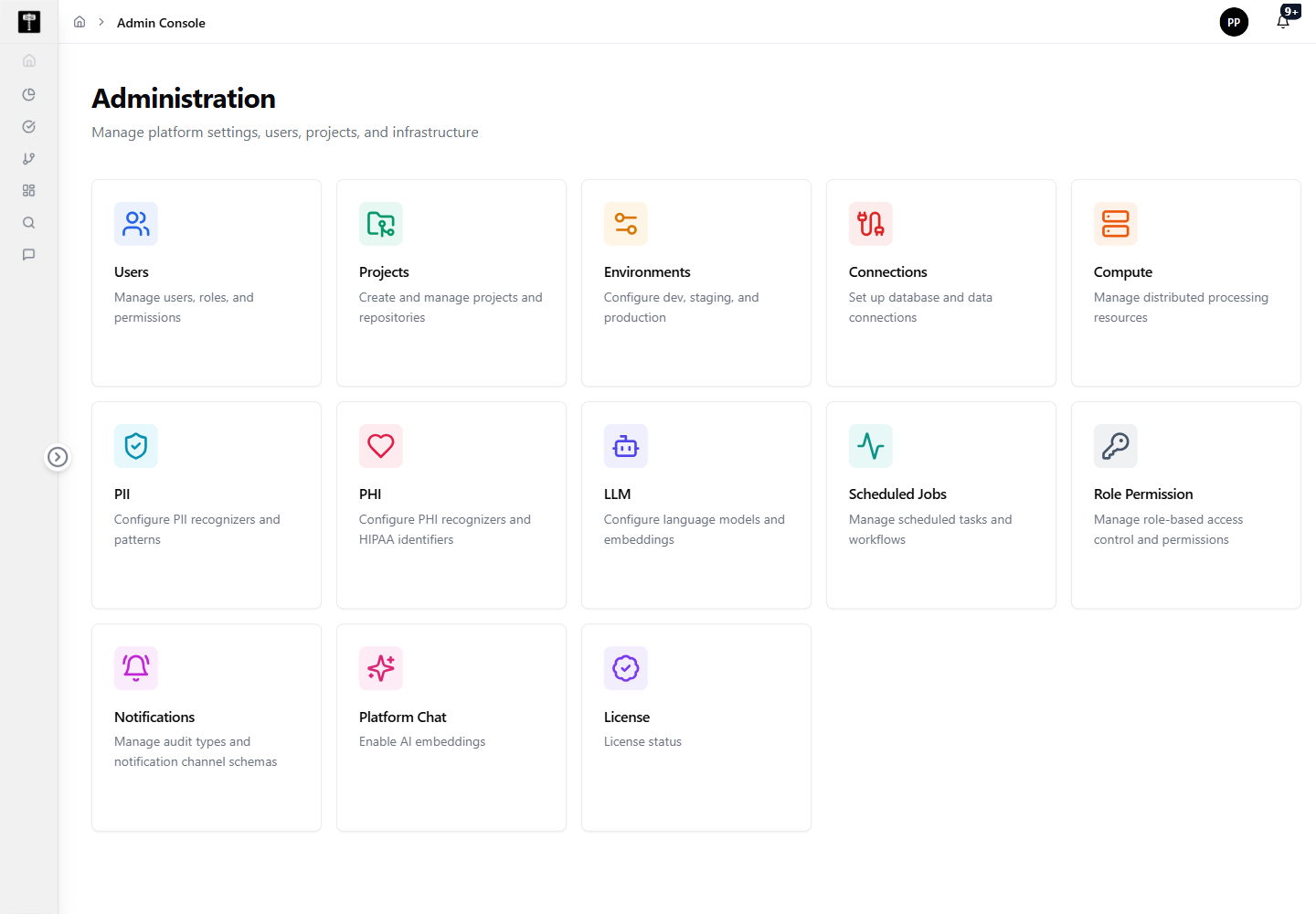
Choose an administration workflow
Scan the cards and select the area that matches your task. Each card routes directly to a focused management page.
What happens next
The selected administration workflow updates the platform configuration used by users, projects, environments, governance, AI, scheduling, notification, or licensing features.
Admin pages
👥
Users
Add, review, and manage platform user accounts and access records.
📁
Projects
Create and maintain project workspaces and repository-backed assets.
🌐
Environments
Configure development, staging, and production runtime environments.
🔌
Connections
Register and maintain data connections to external systems.
⚙️
Compute
Manage distributed processing resources for execution workloads.
🔒
PII
Configure personally identifiable information recognizers and detection patterns.
🏥
PHI
Configure protected health information recognizers and HIPAA identifier patterns.
🤖
LLM
Configure language models and embedding settings for AI-enabled workflows.
🕐
Scheduled Jobs
Manage automated tasks and recurring platform workflows.
🛡️
Role Permission
Define and manage role-based access control across the platform.
🔔
Notifications
Manage audit types and notification channel schemas for platform events.
💬
Platform Chat
Create and backfill embeddings that power AI-assisted chat experiences.
📋
License
Review platform license validity, plan, and expiration metadata.