Notifications Admin only
Use the Notifications page to manage audit types and notification channel schemas for platform events. Notification configuration defines how platform events communicate with users or external systems through configured delivery channels.
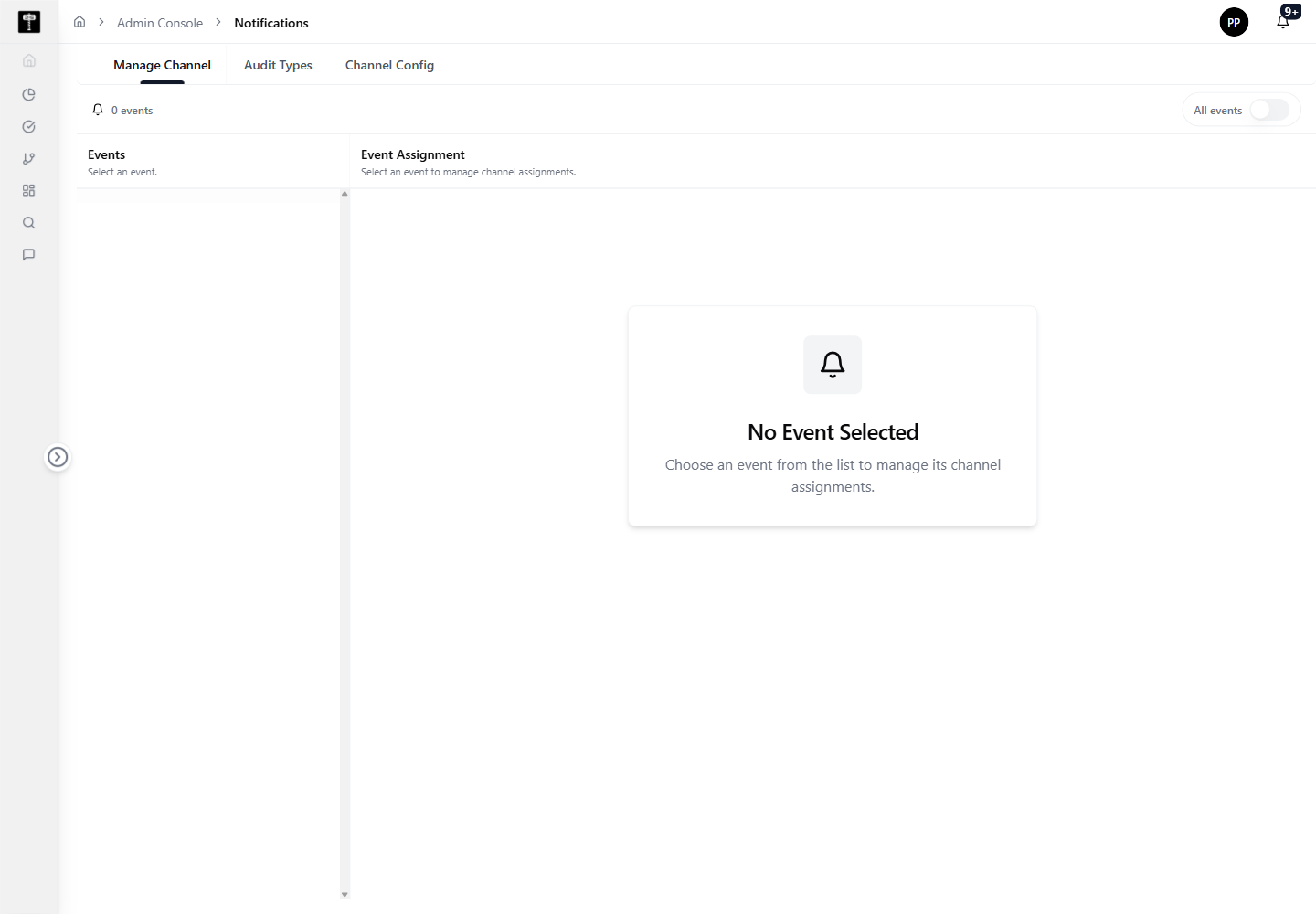
Review audit types
Start by reviewing available audit types to understand which platform events can trigger notifications. This ensures notification schemas are tied to the correct events before configuration.
Configure channel schemas
Update notification schemas when delivery channel configuration changes or when platform events require different metadata or routing behavior.
Typical path
| Step | Action | Location |
|---|---|---|
| 1 | Open Admin Console | Main sidebar |
| 2 | Select Notifications | Admin card grid |
| 3 | Review audit types and channel schemas | Notifications page |
| 4 | Edit notification configuration | Schema editor |
| 5 | Confirm delivery behavior is ready | Notifications page |
What happens next
Notification configuration becomes active for platform workflows that emit audit or operational events, routing alerts to the configured channels.
Related pages
- Scheduled Jobs — configure notifications for scheduled job execution events
- Role Permission — control which roles receive specific notification types