LLM Admin only
Use the LLM page to configure the language models and embedding settings used by AI-enabled BigHammer workflows. Model configuration controls which language models are available to agents, embeddings, and other AI-assisted platform capabilities.
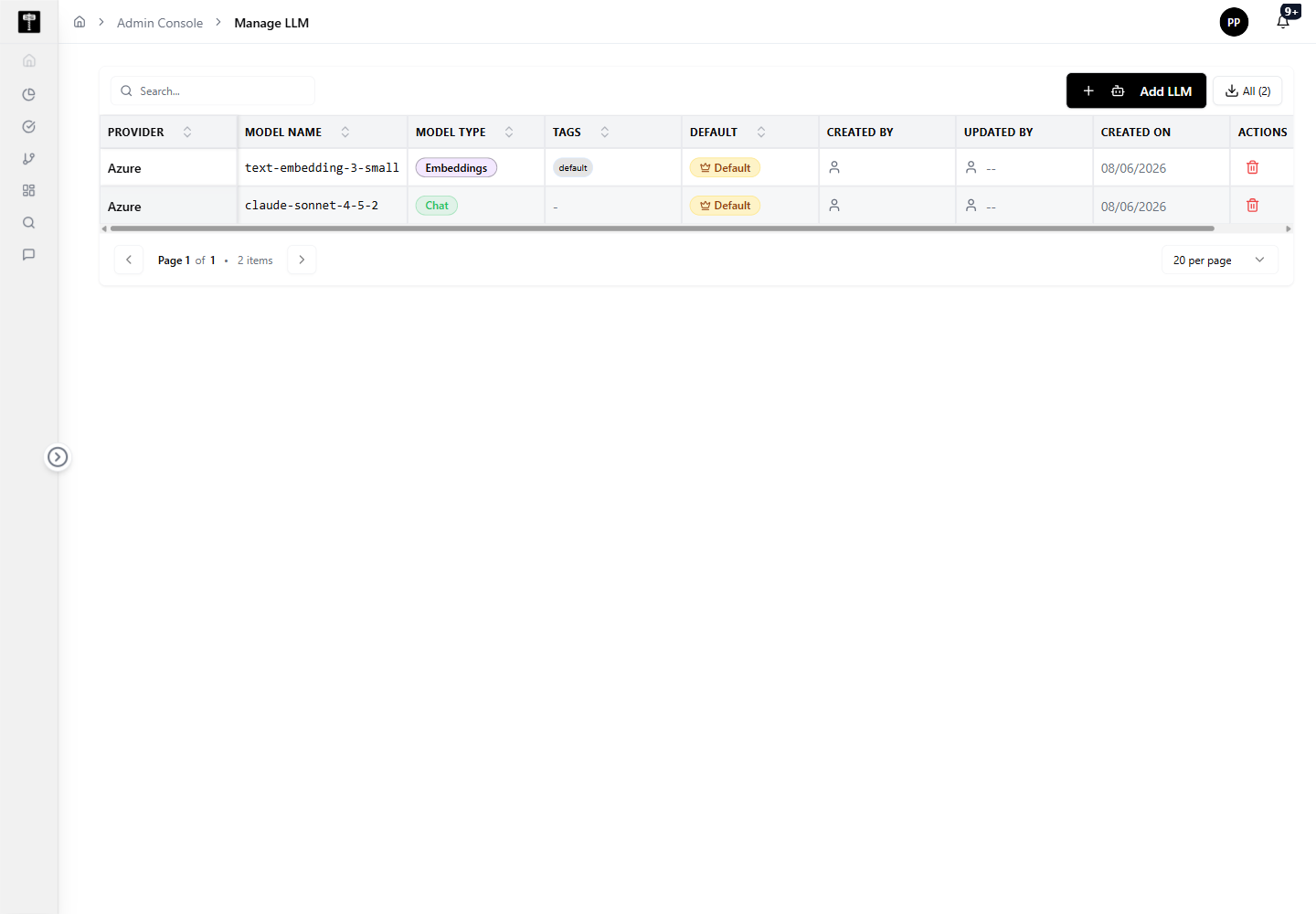
Review configured models
Review existing model records before adding new configurations or updating existing ones. Ensure model names and endpoint details do not duplicate active configurations.
Add or edit a model
Use the model actions to define the configuration required by agents, embeddings, or other AI-assisted capabilities. Confirm provider details, endpoint, and key settings before saving.
Typical path
| Step | Action | Location |
|---|---|---|
| 1 | Open Admin Console | Main sidebar |
| 2 | Select LLM | Admin card grid |
| 3 | Review currently configured models | LLM page |
| 4 | Add or edit a model configuration | Model form |
| 5 | Confirm model is ready for AI workflows | LLM page |
What happens next
The model configuration becomes available to AI-assisted experiences, agents, and embedding workflows that depend on LLM support.
Related pages
- Platform Chat — run embeddings that power the AI chat experience using configured models
- Compute — ensure processing resources are available to support LLM inference workloads