License Admin only
Use the License view to review the validity and metadata of the BigHammer platform license. Administrators use this action to confirm the platform is operating under a valid license and to investigate access or environment issues that may be license-related.
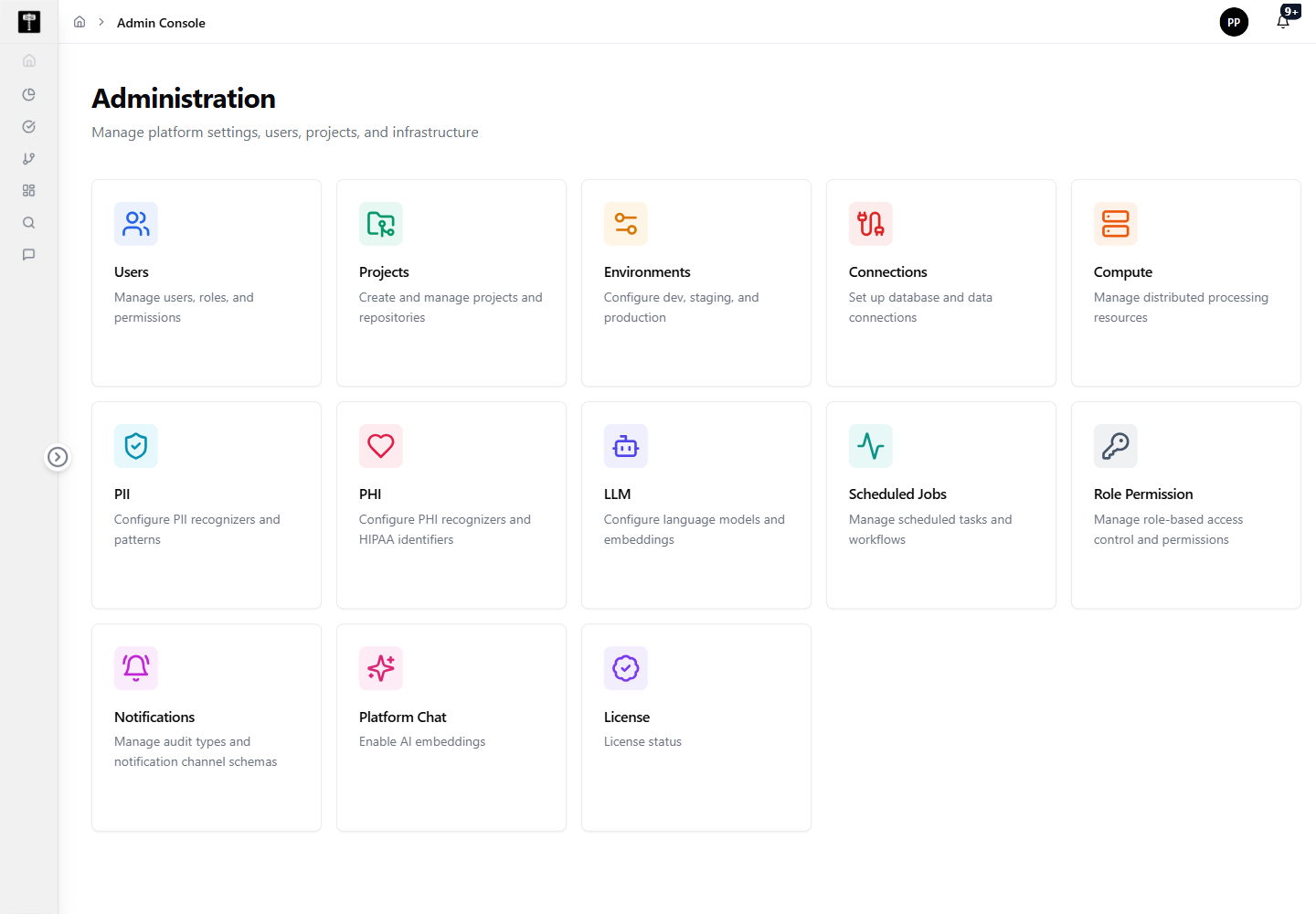
Open the license view
The License card is available from the Admin Console overview. Selecting it opens a license details view without requiring additional navigation.
Review license details
Check the validity status, customer name, plan, issue date, and expiration date. If the license is invalid, expired, or approaching expiry, coordinate with your BigHammer account representative before continuing platform rollout or feature enablement.
Typical path
| Step | Action | Location |
|---|---|---|
| 1 | Open Admin Console | Main sidebar |
| 2 | Select License | Admin card grid |
| 3 | Review validity status | License details view |
| 4 | Review customer, plan, and expiration details | License details view |
| 5 | Contact support if license is invalid or expired | External |
What happens next
Confirming a valid license gives administrators confidence that the platform is ready for continued use, feature enablement, or rollout activity.
Related pages
- Admin Overview — return to the full administration card grid
- Users — ensure user access is configured once the license is confirmed valid