GCP Admin only
Use the GCP environment configuration to register a Google Cloud Platform runtime target for BigHammer workloads.
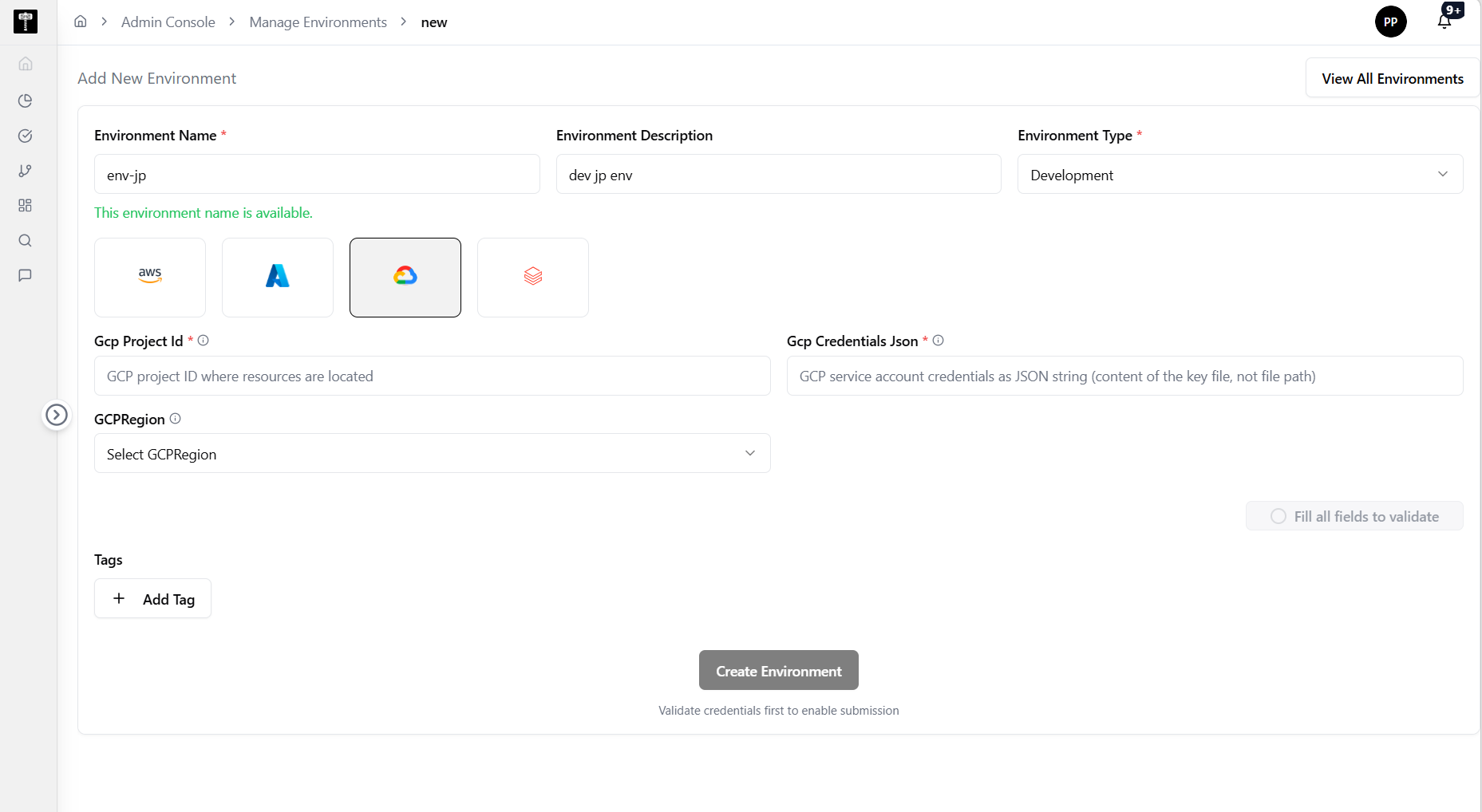
GCP configuration fields
Complete the GCP environment form. Fields marked with * are required.
Gcp Project Id*
Enter the Google Cloud project ID.
Gcp Credentials Json*
Provide the GCP service account credentials JSON. This is used to authenticate and access GCP resources.
GCPRegion
Select or enter the GCP region for the environment.
Test and save
Use the test connection action to verify reachability before saving. Confirm the environment status shows ready after creation.
What happens next
The GCP environment becomes available for pipeline and workload execution targeting Google Cloud Platform infrastructure.
Related pages
- Add Environment — general environment creation workflow
- Edit Environment — update an existing environment configuration