Environments Admin only
Use the Environments page to configure the runtime environments where BigHammer workloads execute. Environments define cloud provider targets, orchestration settings, and execution boundaries for development, staging, and production.
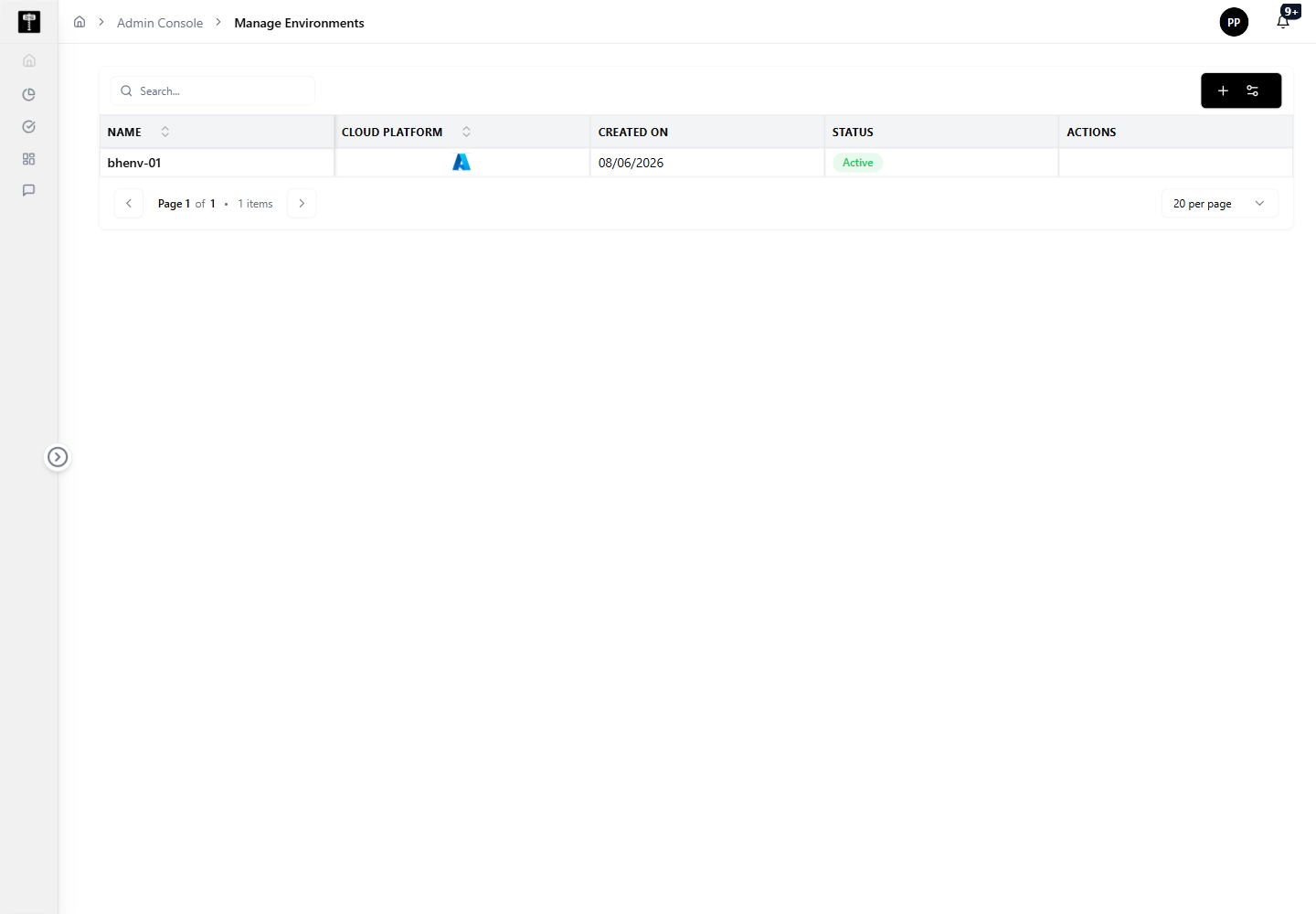
Review environment status
The list view shows which environments exist, which cloud provider they target, and whether each is ready for use. Review status before creating new environments or assigning workloads.
Configure orchestration
When an environment requires orchestration settings, open the environment-specific workflow and configure the required execution details. Confirm orchestration is fully configured before production use.
Typical path
| Step | Action | Location |
|---|---|---|
| 1 | Open Admin Console | Main sidebar |
| 2 | Select Environments | Admin card grid |
| 3 | Review configured environments | Environments page |
| 4 | Add or edit an environment | Environment form |
| 5 | Configure orchestration details | Orchestration settings |
What happens next
The environment becomes available as a selectable runtime target for platform workflows, pipelines, and execution tasks.
Related pages
- Compute — attach processing resources to the environments you configure
- Projects — environments are associated with project workspaces
- Connections — ensure data connections are accessible from the target environment