MySQL Admin only
Use the MySQL connection configuration to register a MySQL database as a data source for BigHammer workflows.
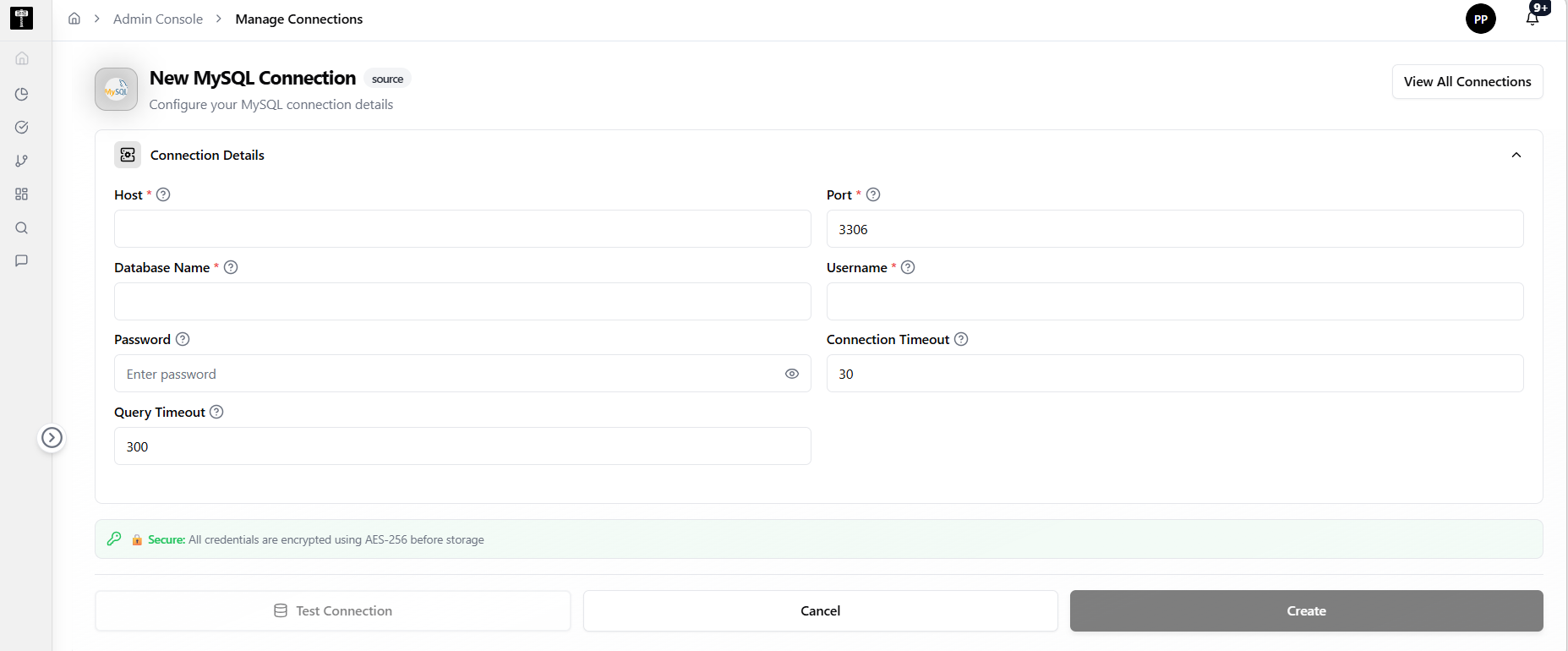
Enter connection details
Provide the host, port, database name, username, and password. Confirm the user has the required permissions for reading and writing data.
Configure SSL and advanced options
Specify SSL mode and any advanced connection parameters. Validate that the selected configuration supports expected workload requirements.
Test and save
Use the test connection action to verify reachability before saving. Confirm the connection status shows ready after creation.
What happens next
The MySQL connection becomes available for pipelines, catalog registration, and governance workflows that require access to the database.
Related pages
- Add Connection — general connection creation workflow
- Edit Connection — update an existing connection configuration