Azure Blob Storage Admin only
Use the Azure Blob Storage connection configuration to register a blob container as a storage source for BigHammer workflows.
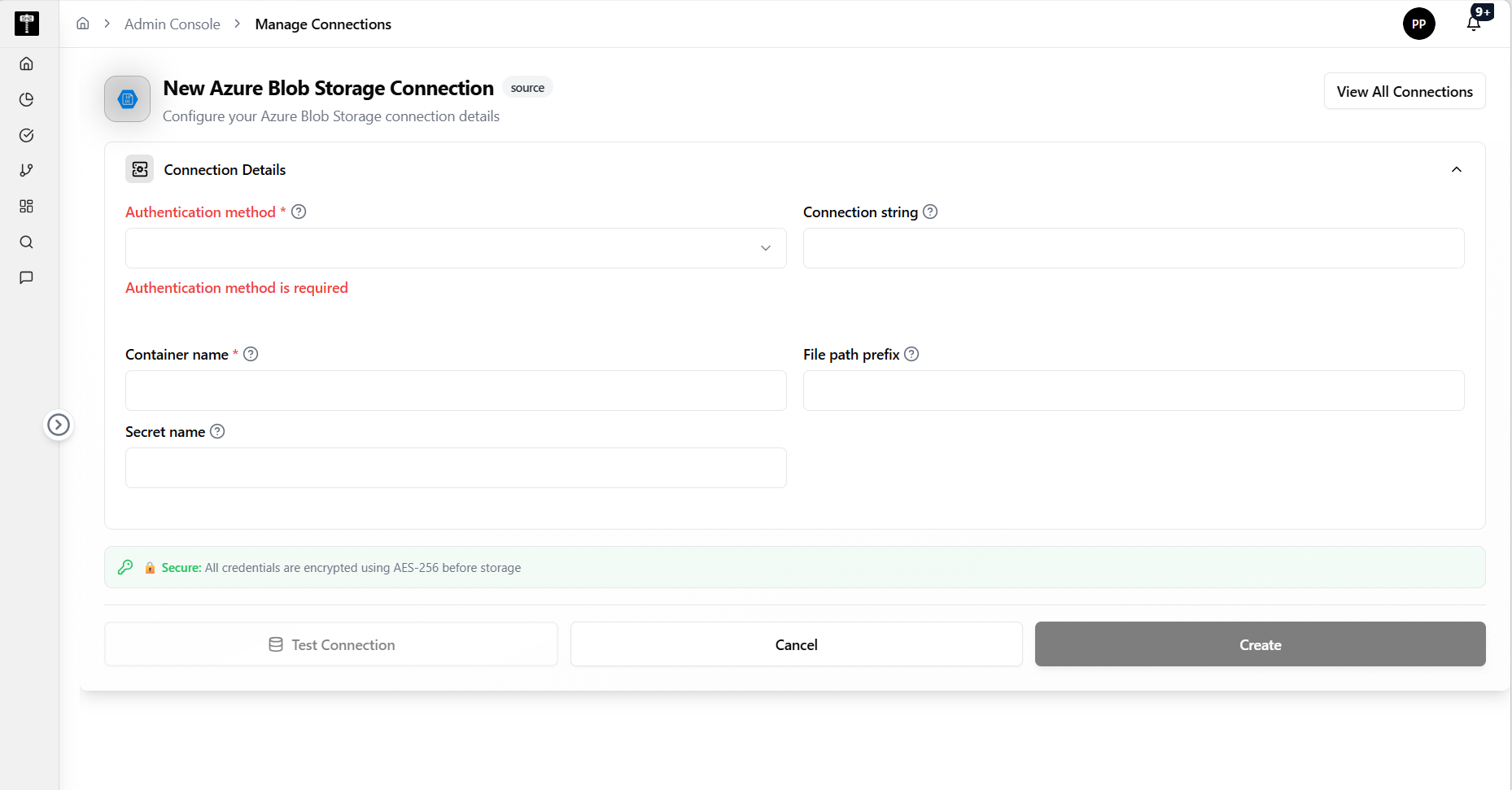
Enter connection details
Provide the authentication method, connection string, container name, file path prefix, and secret name. Fields marked with * are required.
Configure storage access
Select Authentication method*, enter the Connection string, confirm the Container name*, and optionally provide a File path prefix and Secret name for scoped storage access.
Test and save
Use the test connection action to verify reachability before saving. Confirm the connection status shows ready after creation.
What happens next
The Azure Blob Storage connection becomes available for pipelines, catalog registration, and governance workflows that require access to files in the configured container.
Related pages
- Add Connection — general connection creation workflow
- Edit Connection — update an existing connection configuration