Connections Admin only
Use the Connections page to register and maintain the data connections that BigHammer workflows depend on. Connections define how BigHammer reaches databases, platforms, and other external data systems.
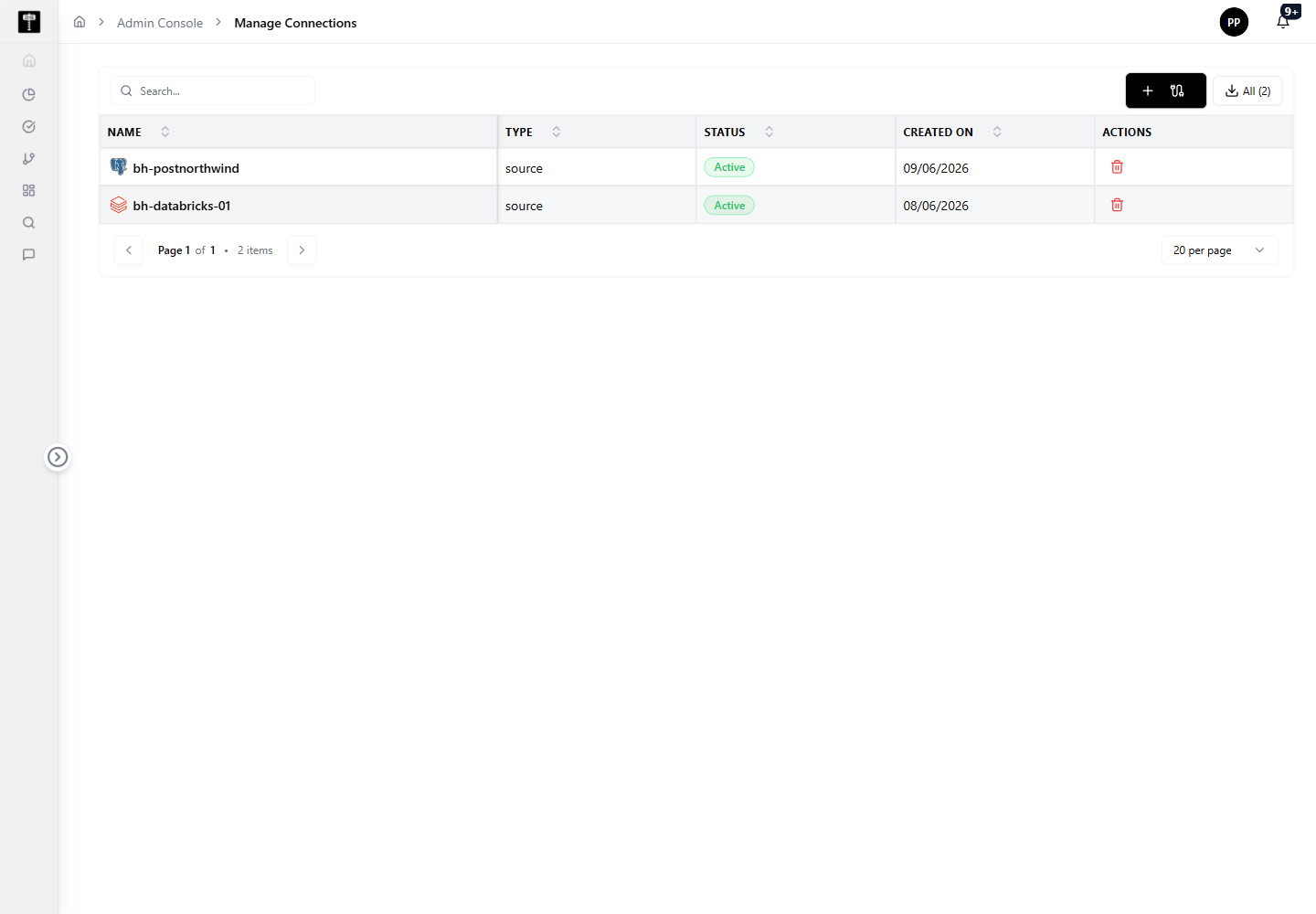
Review configured connections
Review connection names, types, and metadata before creating new records or modifying existing ones. Duplicate or misconfigured connections can disrupt pipeline and governance workflows.
Add or edit a connection
Use the connection actions to create a new configuration or update an existing one. Confirm all settings are correct before the connection is used by pipelines or governance workflows.
Typical path
| Step | Action | Location |
|---|---|---|
| 1 | Open Admin Console | Main sidebar |
| 2 | Select Connections | Admin card grid |
| 3 | Review existing connections | Connections page |
| 4 | Add or edit a connection | Connection form |
| 5 | Validate settings before use | Connection detail |
What happens next
The connection becomes available to pipelines, data catalog registration, and governance workflows that require access to external data systems.
Related pages
- Environments — ensure the connection is accessible from the target runtime environment
- Projects — connections are scoped to project-level workflows
- Compute — compute resources process data over the connections you configure