Compute Admin only
Use the Compute page to manage distributed processing resources for BigHammer execution workloads. Compute resources provide the processing capacity required by pipelines, transformations, and other platform jobs.
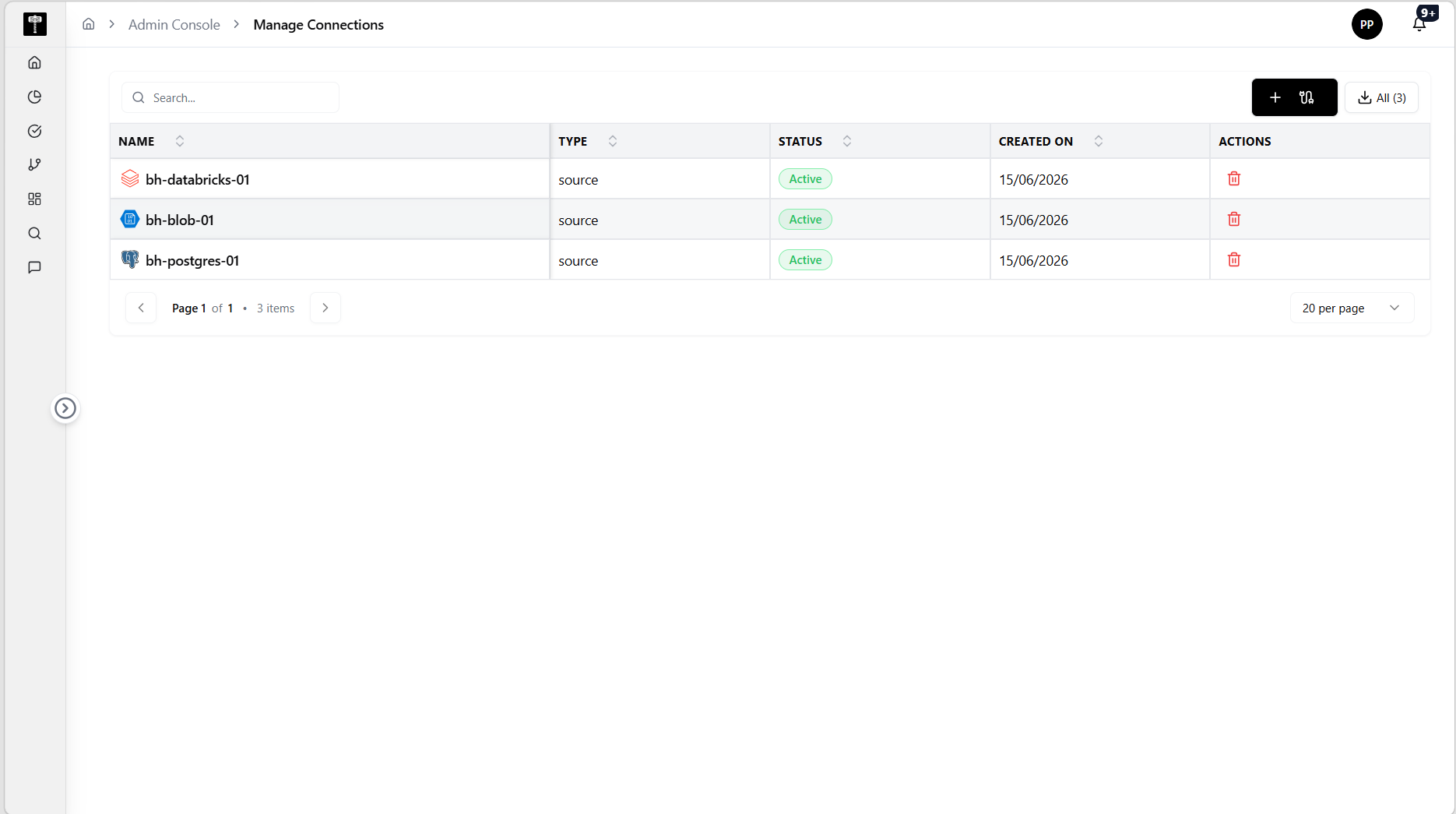
Review compute capacity
Before adding or changing resources, review the existing compute list to identify whether current capacity supports expected workloads. Avoid duplicate registrations for the same underlying cluster.
Add or update resources
Use the compute actions to create a new resource configuration or modify an existing one. Confirm settings before assigning workloads.
Typical path
| Step | Action | Location |
|---|---|---|
| 1 | Open Admin Console | Main sidebar |
| 2 | Select Compute | Admin card grid |
| 3 | Review configured resources | Compute page |
| 4 | Add or edit a resource | Compute form |
| 5 | Confirm availability for workloads | Compute detail |
What happens next
Configured compute resources become available to execution workflows, pipelines, and scheduled jobs that require distributed processing.
Related pages
- Environments — compute resources are associated with runtime environments
- Scheduled Jobs — confirm compute availability for recurring automated tasks
- Connections — workloads process data over the connections available in each environment